

Quick Summary: Overheating during device charging mainly happens when heat can't escape due to poor cables, weak chargers, or hot environments. Using certified chargers, proper cables, and charging on hard surfaces in cool areas can prevent heat buildup. Watch for signs like swelling or odd smells, and unplug immediately if a device gets too hot to avoid safety hazards. A 100W USB-C laptop charger can safely charge a phone, but only if the cable, device, and power negotiation work right. The real risk starts when heat builds from bad cables, weak adapters, dust, or failed overheat protection. This guide explains how overheat protection works, where it fails, and how to prevent damage. It draws on current charging standards, battery heat science, and real mixed-device charging practice, with overheat protection as a core safety check.
Why Devices Overheat While Charging
Some warmth is normal while charging. Batteries and power circuits make heat as current flows. According to NIST’s mobile threat catalog, lithium-ion batteries always produce some heat during charging, but trouble starts when the device cannot shed that heat fast enough. Hot rooms, thick cases, fast charging, gaming, or charging under a pillow can push normal warmth into risky heat.
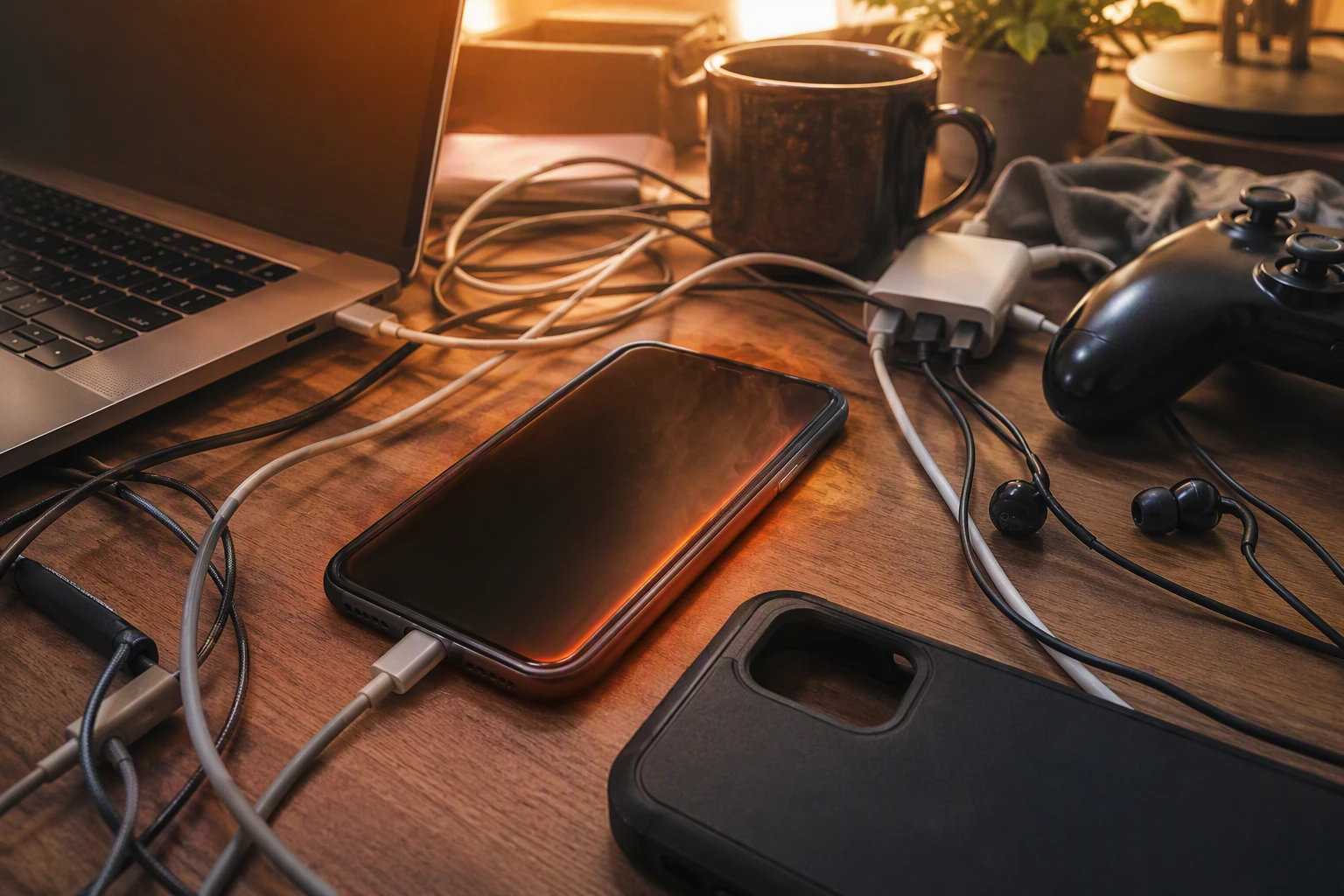
Battery chemistry also matters. As lithium-ion cells age, internal resistance rises, so charging makes more heat. Research on battery aging and temperature rise found that charging temperature behavior changes as batteries lose health. Older packs, damaged cells, or cheap chargers can worsen this.
If a device feels too hot to hold, swells, or smells odd, unplug it fast.
Also Read: https://dynamicpowersupply.com/blogs/articles-and-guide/safe-laptop-charger-guide
Choose Chargers and Cables That Reduce Heat
Pick the charger your device expects. That cuts waste heat fast. USB-IF says USB Power Delivery lets devices request only the power they need, instead of taking a fixed output from a random brick USB Power Delivery guidance. A huge charger is not harmful by itself, but a poor-quality one can run hot.
Use cables and ports built for the current load. Thin, damaged, or bargain cables add resistance, and resistance turns power into heat. USB-IF cable rules and compliance tests cover electrical and thermal performance for Type-C cables and connectors USB Type-C compliance requirements.
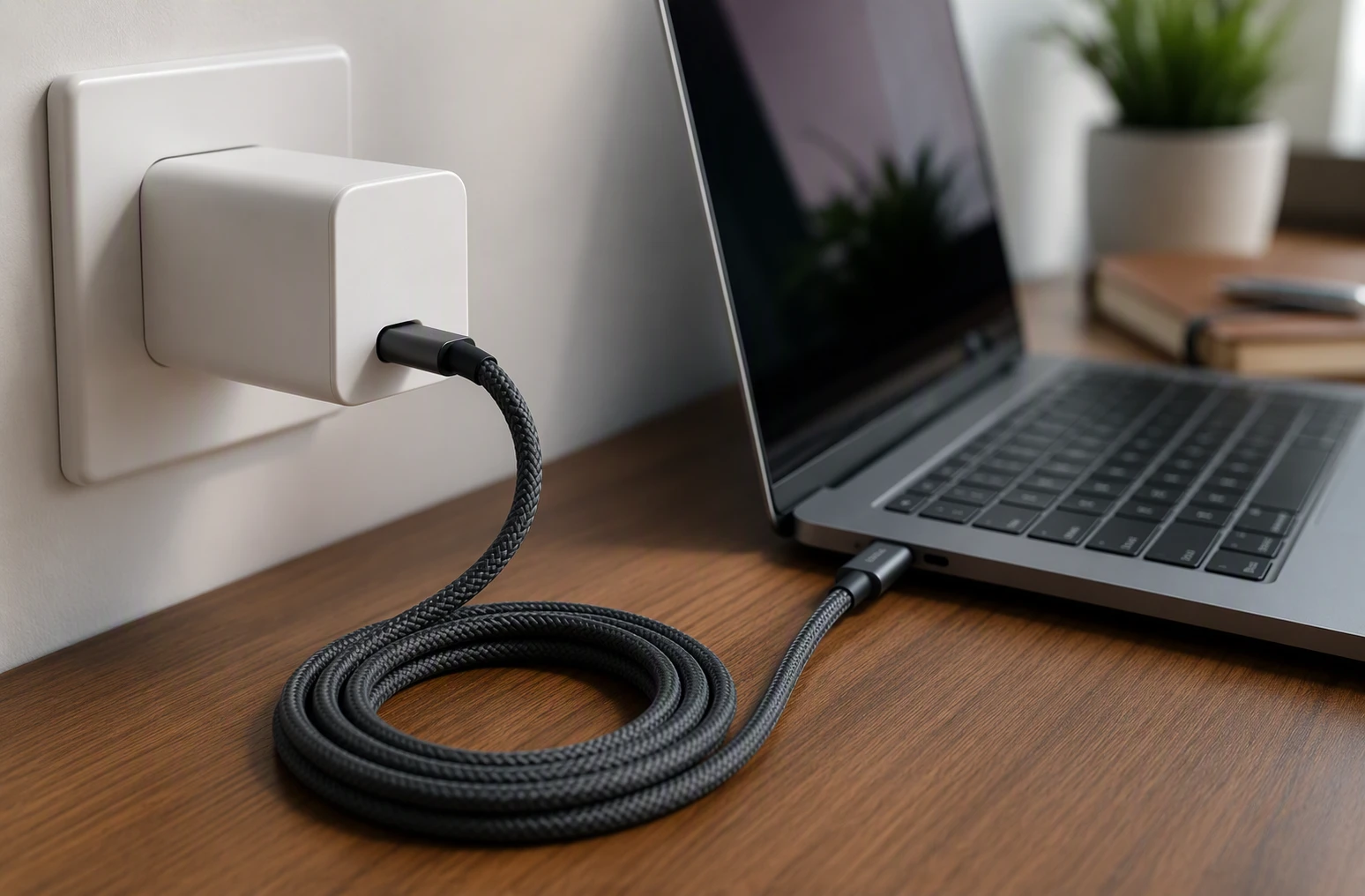
USB-C does not simply “push” max power all the time. The charger and device negotiate a power contract first. That is why a good USB-C PD setup usually runs cooler than mixing old adapters, loose ports, and mystery cables.
Also Read: https://dynamicpowersupply.com/blogs/articles-and-guide/safe-and-authentic-chargers
Charge in Conditions That Help Heat Escape
Heat needs room to leave the device and charger. Apple says to keep devices and chargers in a well-ventilated area while charging.
-
Keep chargers off beds, couches, and under pillows: Soft surfaces trap heat and block airflow. New York safety guidance says to avoid charging smaller devices under your pillow, on a bed, or on a couch (NY DHSES guidance). Use a hard, flat surface instead.
-
Avoid hot rooms, sunlight, and crowded power strips: Warm air slows cooling. Direct sun adds extra heat fast. Packed strips can also build heat around adapters. Charge in a cool, dry spot with space around each brick and cable.
Also Read: https://dynamicpowersupply.com/blogs/articles-and-guide
Watch for Warning Signs and Know When to Stop Charging
Heat is your clearest warning. Stop charging before a warm device turns into a safety problem.
Early warning signs you should not ignore
- A device feels hotter than usual during normal charging.
- The battery pack, cable end, or plug smells odd, swells, hisses, or shows smoke.
- Charging slows, cuts in and out, or the battery jumps in percent.
- The case changes color or starts to bulge.
OSHA says thermal runaway can show up as rising battery temperature, gas venting, vapor, smoke, or fire in its lithium-ion safety sheet.
What to do if a device or charger gets too hot
- Unplug it right away if safe to do so.
- Move it to a nonflammable surface away from paper, fabric, and direct sun.
- Stop using damaged batteries or chargers.
- Replace only with approved parts.
CPSC says use the supplied charger, stay present while charging, and unplug when done in its charging safety guidance.

Cut charging heat risk at the source with precision-tested chargers, cables, batteries, and surge protectors from Dynamic Power Supply. Upgrade your setup now and charge safer every day.
Frequently Asked Questions
Q1: How to prevent overheating while charging?
Use the right charger, place devices on a hard surface, remove thick cases, and avoid charging in hot rooms or direct sun. Unplug if the device feels very hot.
Q2: Is it safe to use fast charging every day?
Usually yes, if your device and charger support the same standard. Heat matters more than speed alone. If your phone runs hot often, switch to slower charging overnight.
Q3: Should I stop charging at 100%?
You do not have to, but stopping around 80 to 90% can reduce battery stress over time. Many modern devices manage this for you with battery health settings.
Conclusion
Safe charging comes down to heat control, certified gear, good airflow, and quick action when a device gets hot. Health Canada warns uncertified USB chargers can overheat, while the FAA notes lithium batteries can enter thermal runaway.